

DALLAS — Federal investigators extracted copies of deleted incoming Signal messages from a suspect’s iPhone by accessing Apple’s internal notification storage, even after the encrypted messaging app had been removed and its disappearing messages feature used, according to court testimony in a Texas terrorism prosecution of Antifa militants.
The recovery, according to 404 media, occurred during the “Prairieland” case involving an alleged antifa cell accused in a shooting at an ICE detention facility. Testimony revealed that message previews for Lynette Sharp, one of the defendants, persisted in the iOS notification database despite app deletion.



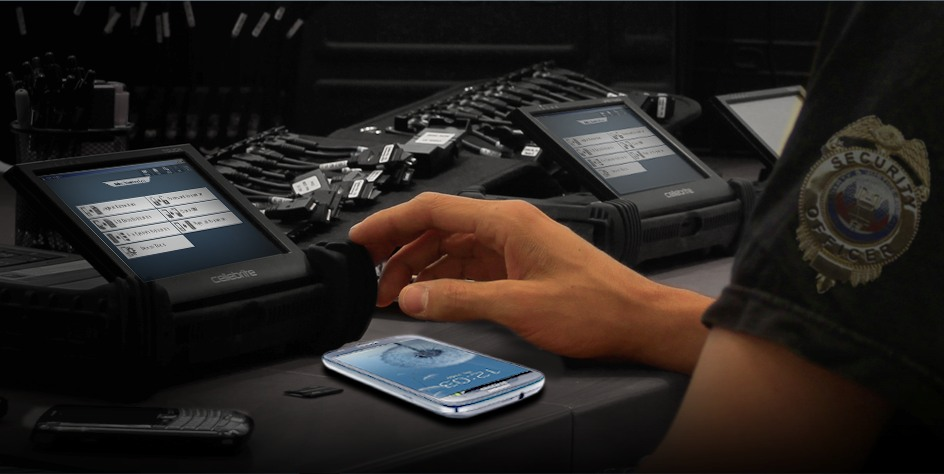
Forensic experts used tools such as Cellebrite to pull the data from the device’s push notification cache, where iOS stores content from messaging apps for lock screen previews. The database can retain this information for weeks, independent of Signal’s end-to-end encryption or self-destructing message timers.
Signal does not send message content to Apple servers. Instead, messages are decrypted locally on the device before generating notifications. When lock screen previews are enabled, iOS caches that content in internal storage, creating a forensic artifact that survives app deletion.




A supporter of the defendants who attended the trial noted that notifications with message previews are stored in the phone’s memory regardless of user deletion efforts. Court exhibits confirmed the messages came from Apple’s notification storage after Signal had been uninstalled.

Privacy researchers and digital forensics analysts have long known that iOS notification caches can hold transient data from apps, but the Prairieland testimony highlights the issue for encrypted platforms like Signal.


To reduce exposure, users can disable message previews:
- In iOS Settings > Notifications > Show Previews, select “Never” for a global change or per app.
- Within Signal, go to Settings > Notifications and set “Notification Content” to “No Name or Content.”
Experts recommend both steps, as disabling previews at the system level prevents iOS from caching the content. Enabling iCloud Advanced Data Protection can add another layer of control over device backups.
Signal’s disappearing messages delete content after a set time on the device and for recipients, but they do not erase cached notification previews if those were displayed before deletion.
Users concerned about law enforcement access to devices should review notification settings and consider that physical access to an unlocked phone often allows extraction of cached data beyond what apps themselves retain.

Author: Mario Lotmore